Bluetooth Device Finder

Find Any Lost Device
in Seconds

SmartFinder scans nearby Bluetooth devices, tracks real-time signal strength, and keeps your iPhone protected from unauthorized access — all in one app.

5.0 on the App Store
Download on the App Store Free · 3-day trial included
iOS 16+ Ready
Bluetooth Scanning
Privacy First
Works Offline
Free to Start

Everything You Need to
Find, Track & Protect

Six powerful tools in one app — because losing a device or your privacy shouldn't be an option.

Find Lost Devices

Instantly scan all nearby Bluetooth-enabled devices — headphones, watches, speakers, tablets, TVs and more. See a full list in seconds and tap to track any device.

Smart Signal Radar

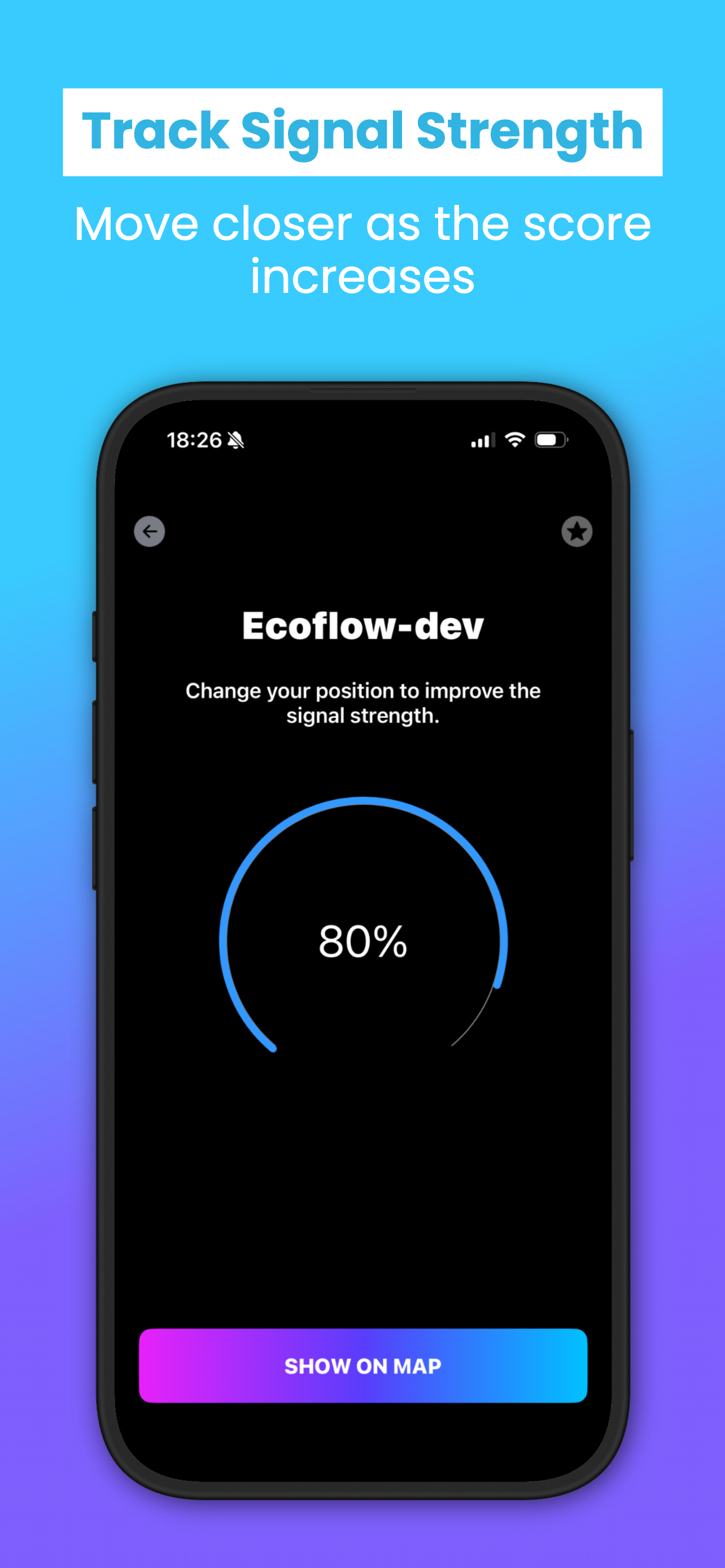
Move toward your lost device while watching the real-time signal strength meter rise. The closer you get, the higher the score — hunting made intuitive and precise.

Who Touched My Phone

Automatically captures a selfie of anyone who tries to unlock your iPhone without permission. Every intruder attempt is logged with a photo and timestamp — stored securely on your device.

Don't Touch My Phone

Activate a loud alarm the moment someone picks up or moves your device without authorization. Deter thieves and snoopers instantly — even in noisy public spaces.

Charger Alarm

Get an instant alert the moment your iPhone is unplugged. Perfect for public charging stations — ensures no one walks off with your phone while it charges.

Full Activity Log

Access a detailed history of all detected Bluetooth devices and every intruder selfie captured. A complete record — always ready when you need it most.

Built for Real Results

Clean, intuitive interface designed to get you to your device as fast as possible.
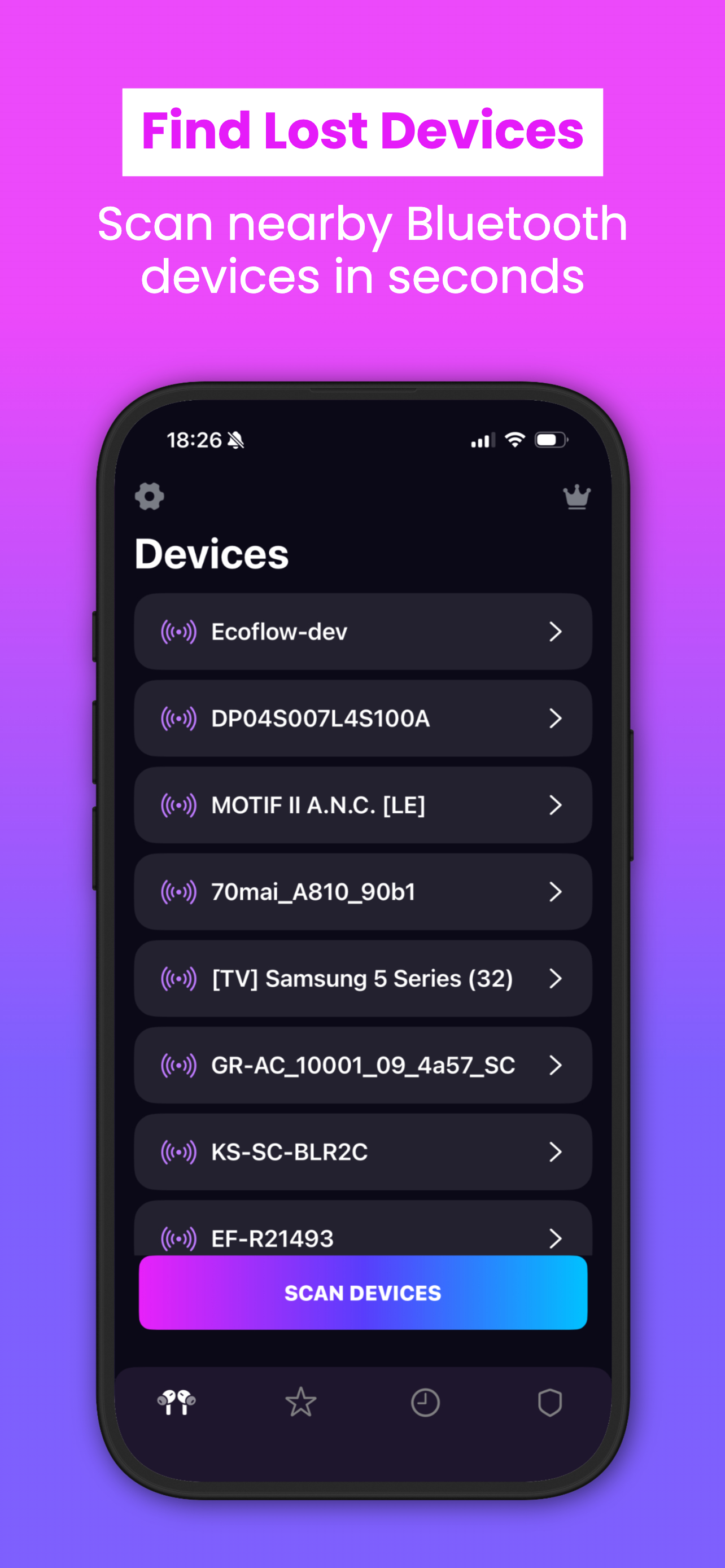
SmartFinder: Find Lost Devices screen showing Bluetooth device list with Scan Devices button
SmartFinder: Track Signal Strength screen showing 80% signal meter for Ecoflow-dev device
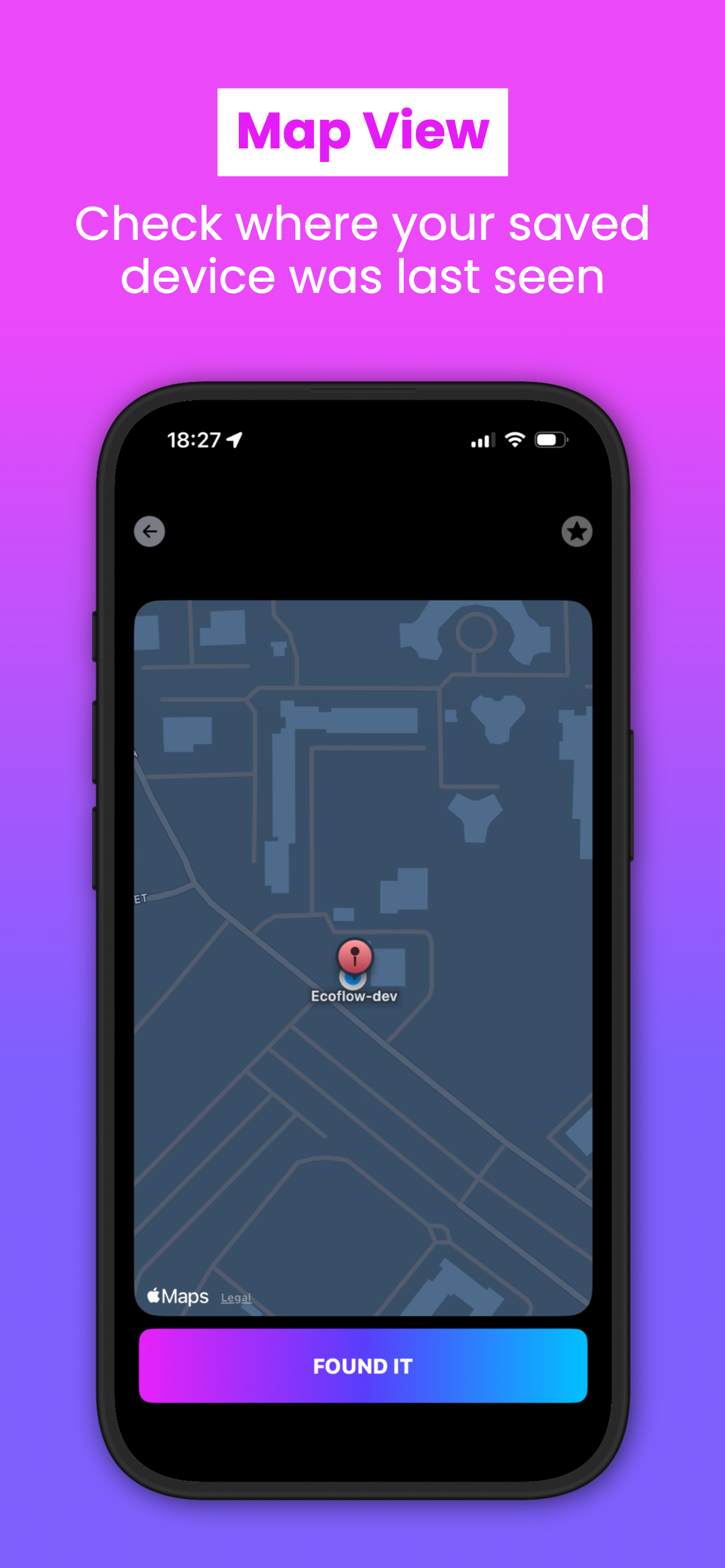
SmartFinder: Map View screen showing last known device location on Apple Maps
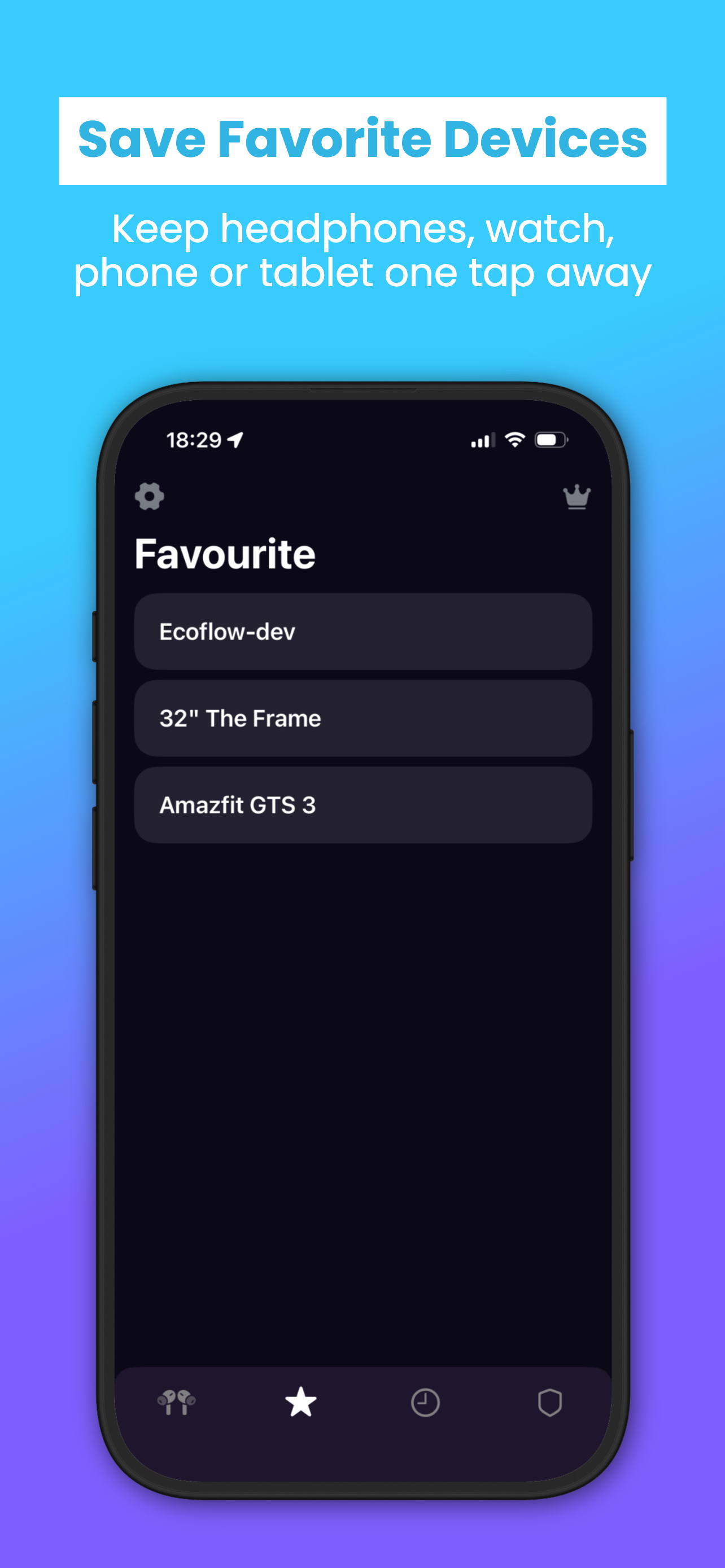
SmartFinder: Save Favourite Devices screen with saved devices list

Find Your Device in
3 Simple Steps

Open & Scan

Launch SmartFinder and tap Scan Devices. Within seconds your phone detects all nearby Bluetooth-enabled gadgets.

Follow the Signal

Select your lost device from the list. Watch the real-time radar — move around until the signal score climbs to maximum.

Found It!

When signal peaks, tap Found It or check the last known map location. Your device is right there.

Start Free, Stay Protected

All plans include every feature. Cancel anytime directly from your iPhone settings.

Weekly

3-day free trial

$6.99

per week

  • All 6 features unlocked
  • Unlimited device scans
  • Full activity log
  • 3-day free trial
Try Free

Auto-renews at $6.99/week

💰 Best Value

Yearly

Save over 60%

$39.99

per year · ~$3.33/mo

  • All 6 features unlocked
  • Unlimited device scans
  • Full activity log
  • Lowest per-month cost
Best Deal

Auto-renews at $39.99/year

Prices shown in USD. Payment charged to Apple ID at purchase confirmation. Cancel anytime via Settings → Apple ID → Subscriptions.

Got Questions? We've Got Answers

SmartFinder uses your iPhone's Bluetooth radio to scan the surrounding area and detect all nearby Bluetooth-enabled devices broadcasting a signal. Once detected, the app measures the RSSI (Received Signal Strength Indicator) in real time. As you move closer to your device, the signal score increases — guiding you precisely to its location. No internet connection required.
SmartFinder can detect any device that broadcasts a Bluetooth signal, including AirPods, Galaxy Buds, wireless headphones, smartwatches, fitness bands, smartphones, tablets, smart TVs, speakers, e-scooters, and more. If it has Bluetooth and is powered on, SmartFinder can find it.
Yes! All core features — Bluetooth scanning, signal tracking, WTMP photo capture, motion alarm, and charger alarm — work completely offline. The only time internet is needed is during the initial download and subscription management.
When you enable WTMP (Who Touched My Phone), SmartFinder monitors your lock screen. If someone enters an incorrect passcode, the front camera silently captures a photo of the intruder. The photo is logged locally on your device along with the date and time. Your camera roll and privacy remain fully protected — no images are uploaded to any server.
No. All data processed by SmartFinder — including Bluetooth scan results, intruder photos, activity logs, and alarm history — stays exclusively on your iPhone. We do not upload, transmit, or store any personal data on external servers. Your privacy is our priority.
SmartFinder requires iOS 16.0 or later on iPhone and iPadOS 16.0 or later on iPad. It also supports macOS 13.0+ on Apple Silicon Macs and visionOS 1.0+ for Apple Vision Pro.
You can cancel at any time directly through Apple: go to Settings → [Your Name] → Subscriptions → SmartFinder → Cancel Subscription. Your access continues until the end of the paid billing period. No refunds are issued for unused time, per Apple's standard policy.

Never Lose a Device Again

Join thousands of users who trust SmartFinder to protect their devices and their phone. Start free today — no credit card required.

Download on the App Store Free · iOS 16+ · Works Offline